
assets from figma to webflow, instantly
#1 figma plugin to transfer design assets from figma to webflow - no more downloads or unnecessary clicks
the best plugin to move assets from figma to webflow, goodbye to context-switching that kill your productivity
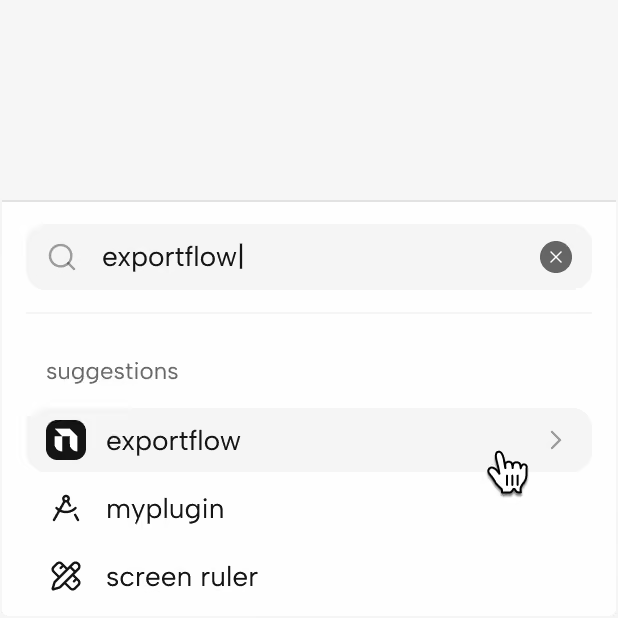
open exportflow from the plugin menu inside your figma project

with exportflow open, select frames and assets you want to export
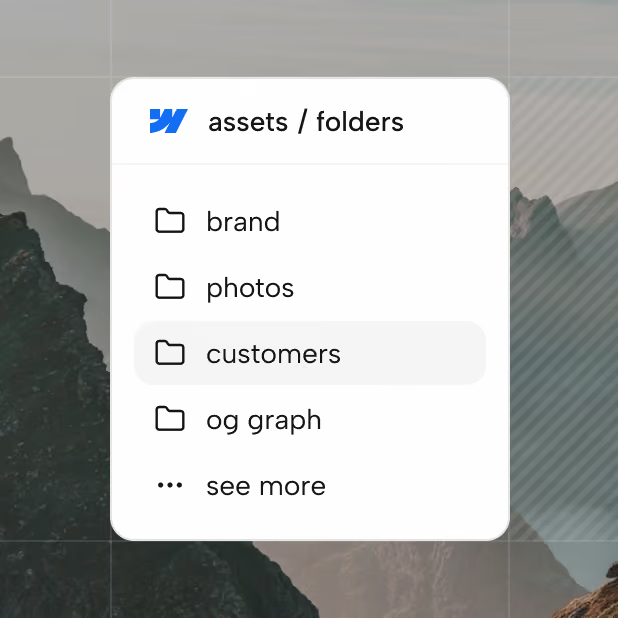
decide where to save your figma designs inside your webflow project
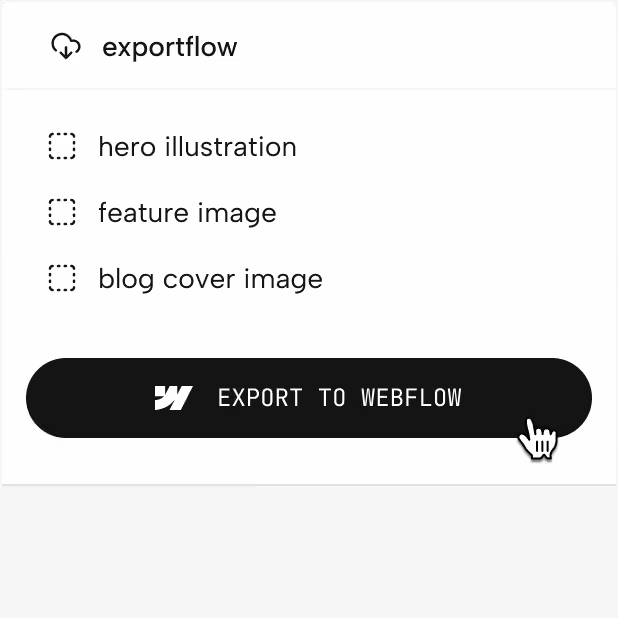
review, export, done - it took seconds, it saved hours!
move fast, really fast
consider all the times you need to download an asset, then open webflow, upload the asset manually and organise it via the webflow native asset panel - it may take a few seconds once, but it compounds fast over a long period of time
say no to context-switching
you're in figma, designing assets and now you need to switch between between figma and webflow to manage your assets. exportflow removes the friction altogether so you can stay in the flow for longer
less clicks, more work done
imagine all the clicks you do to open images, close file, select assets inside figma, webflow, your device folders ... it's hundreds of clicks every day, millions of clicks over a month that you could save today!
powerful, fully optimised
webflow asset panel is functional but kills your productivity - manage assets at their source and import already-optimised files thanks to exportflow advanced settings that allow you to export assets in different formats and sizes
built-in AI functionalities
exportflow supports you with some of the boring tasks too - you don't need to manually rename assets and generate descriptions or alt-text for all your assets ... exportflow does that for you, in seconds
10x your productivity
don't waste time on low-value tasks ... take back control of your time and spend your energies on tasks that make you unique, and let exportflow take care of some of the tedious activities
save time & disk space, no extra downloads
don’t download figma designs, and manually upload assets to webflow - do everything at once inside exportflow
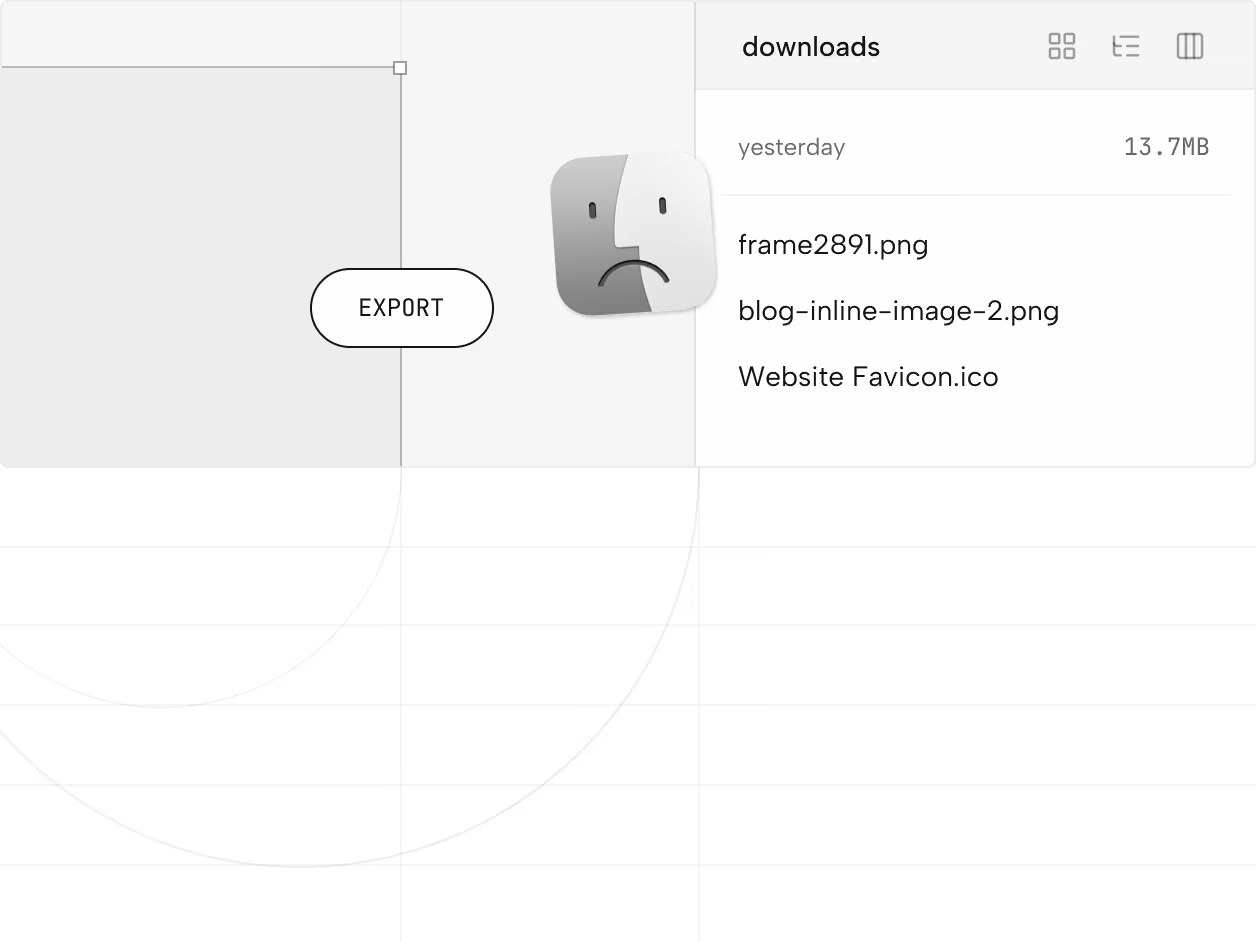
you spend hours cleaning your downloads folder, uploading files to webflow asset panel and take ages to organise asset folders - the result? you spend hours of your time doing low value, admin work
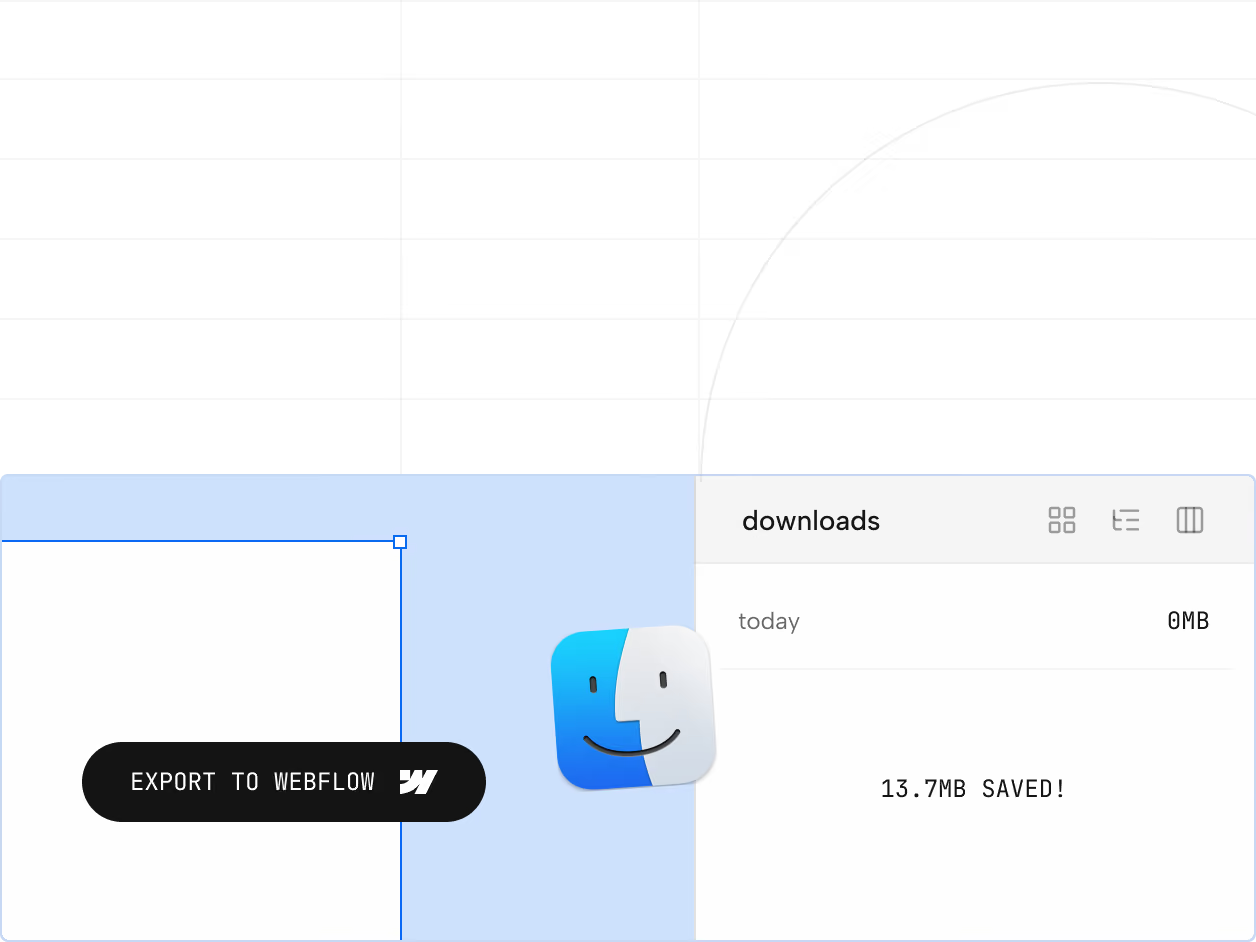
you use exportflow to export assets from figma directly to webflow - it takes seconds, and keeps you locked-in while your device runs clean without messy files around
it’s like having webflow inside figma, for free
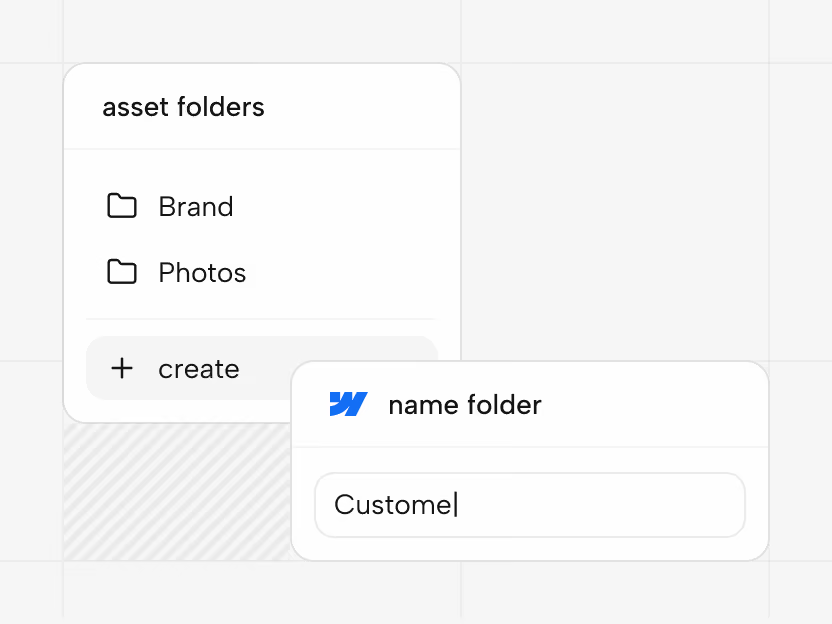
create folders, rename assets and organise your files directly from exportflow
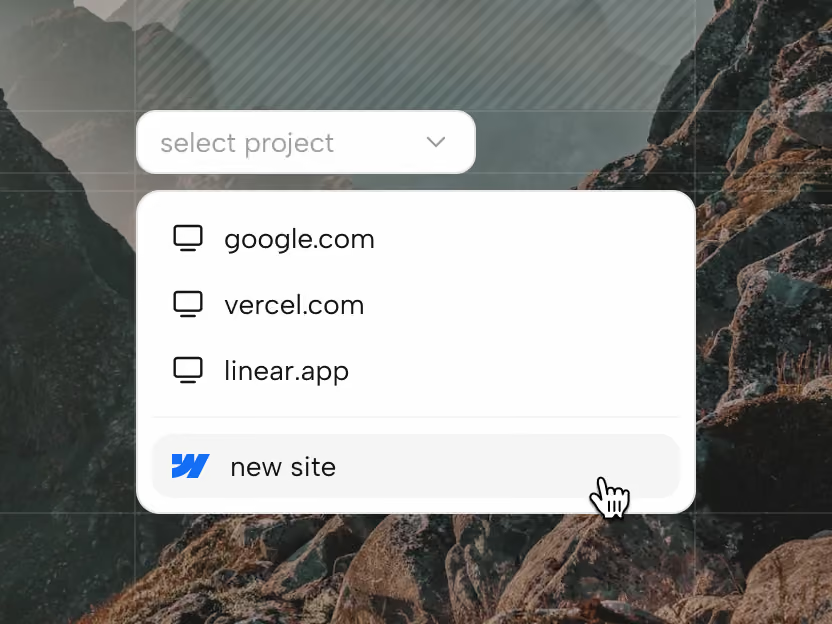
freelancing? no worries, connect multiple webflow projects and sites inside exportflow, at no extra cost
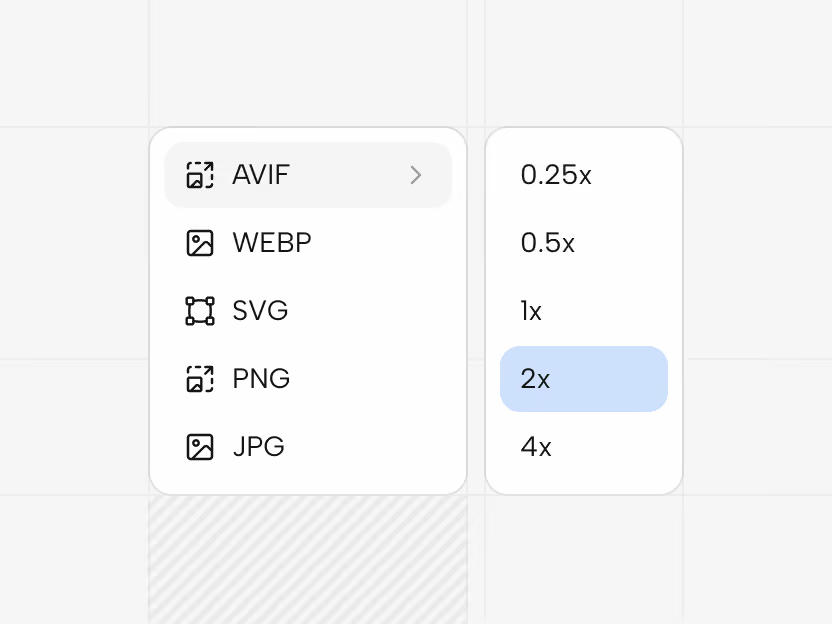
png, svg, jpg, avif, webp - all export options to optimize assets for your webflow project
it takes seconds, it save hours
with exportflow, a typical web developer can save real hours every month in file management etc.
free, forever, for everyone
give it a try today - you can remove exporthub at any moment