
from figma to drive, in seconds
#1 figma plugin to transfer design assets from figma to google drive in 1 click - no more downloads
save time & disk space, no more unnecessary downloads
don’t download figma designs, and manually upload assets to google drive - do everything at once inside exporthub
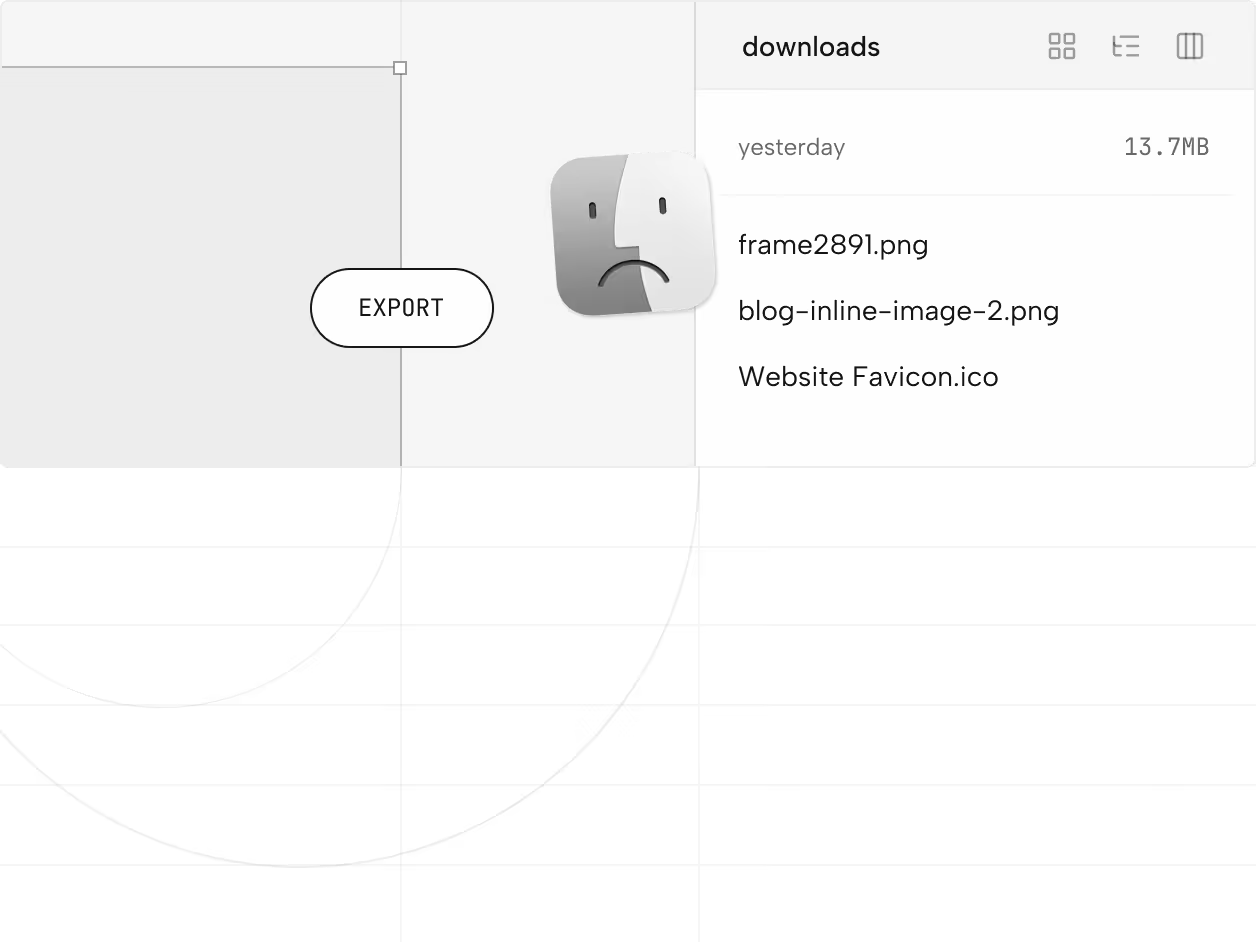
you spend hours cleaning your downloads folder, get Drive for desktop to organize files and end up spending most of your time doing admin to manage client assets
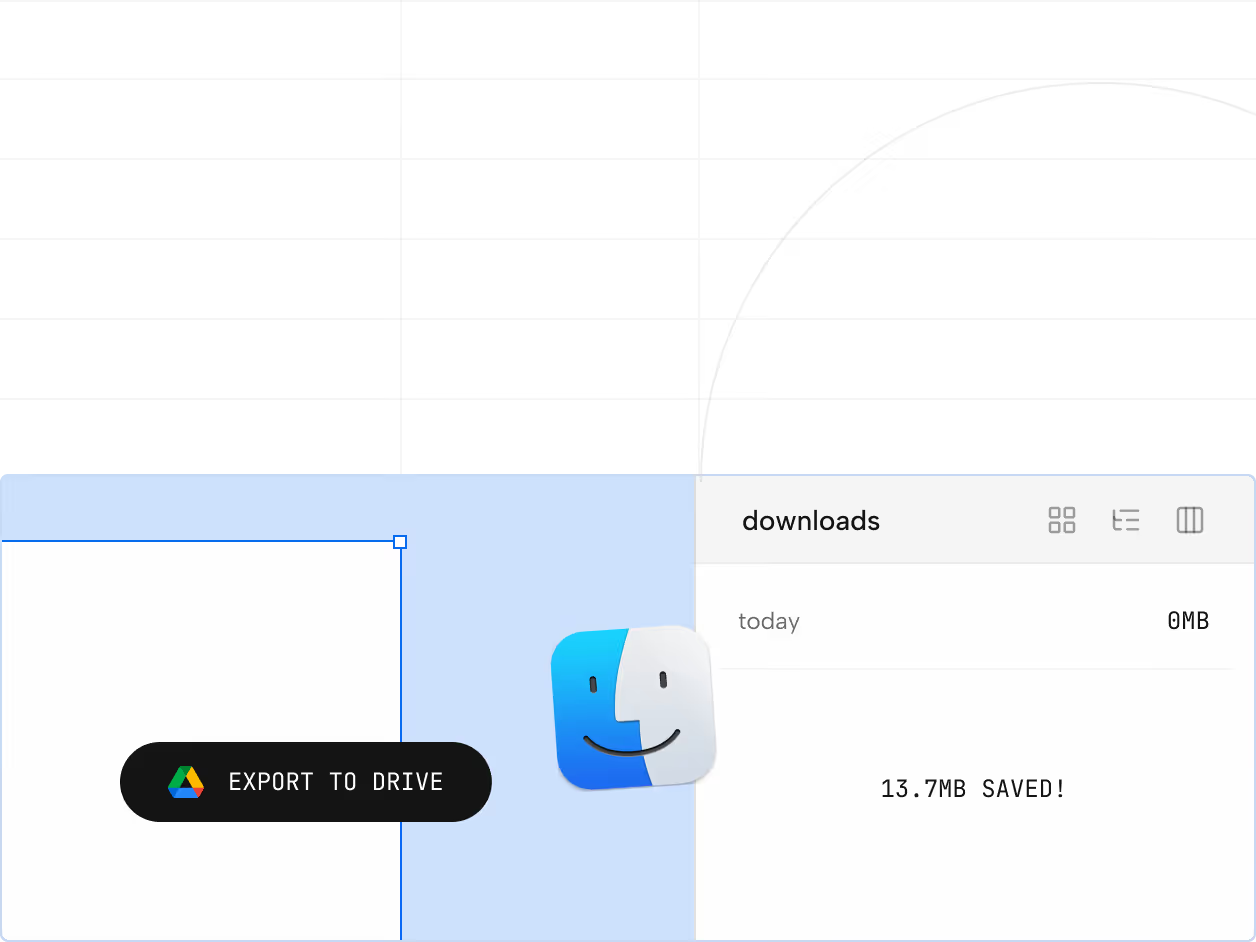
you use exporthub to export assets from figma directly to google drive, in 1 click - it takes seconds, and keeps you locked-in while your device runs clean without messy files around
move assets from figma to google drive in seconds
exporthub skips the download folder altogether - upload files from figma directly inside your google drive at once
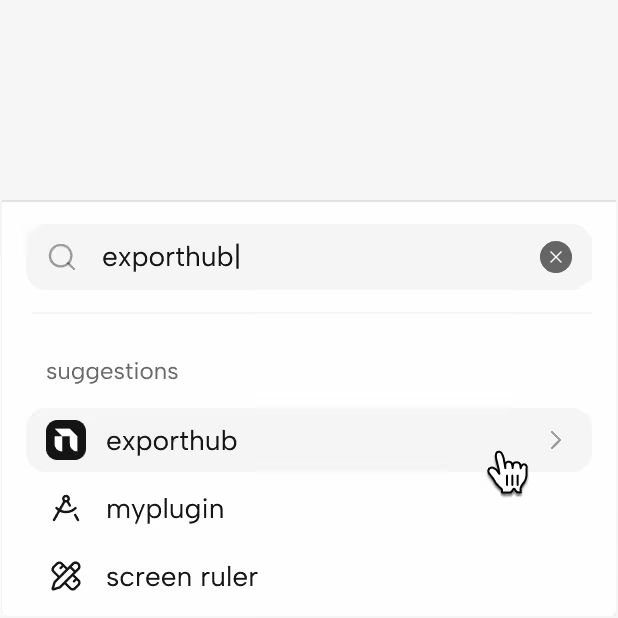
launch exporthub from the plugin menu inside your figma project

with exporthub open, select frames and assets you want to export
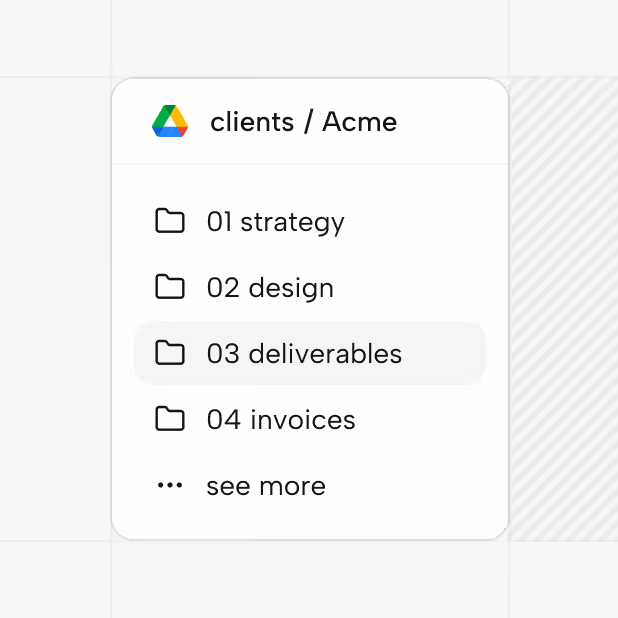
decide where to save your figma designs inside google drive
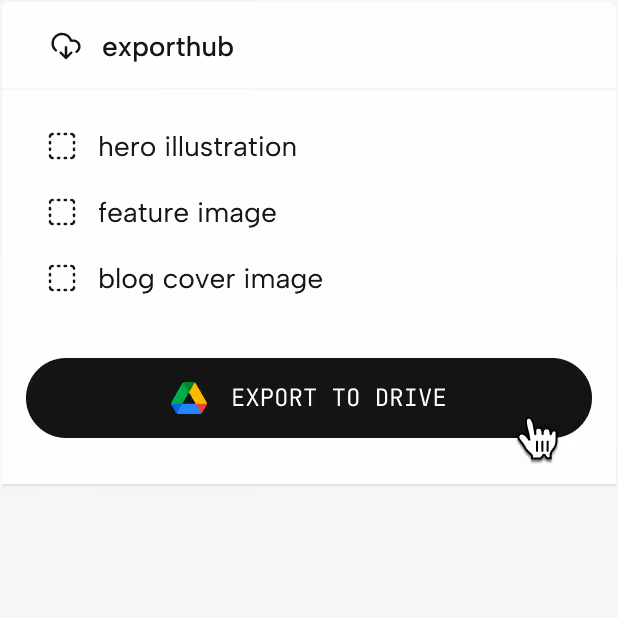
review, export, done - it took seconds, it saved hours!
it’s like having google drive inside figma for free
exporthub lets your create folders, rename assets and much more directly in figma
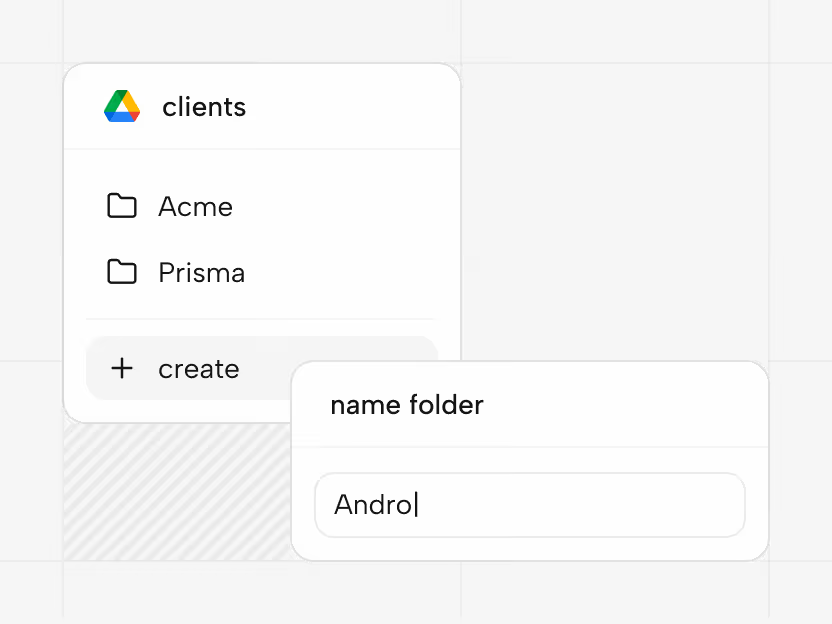
exporthub lets your create folders, rename assets and organise your files directly in figma
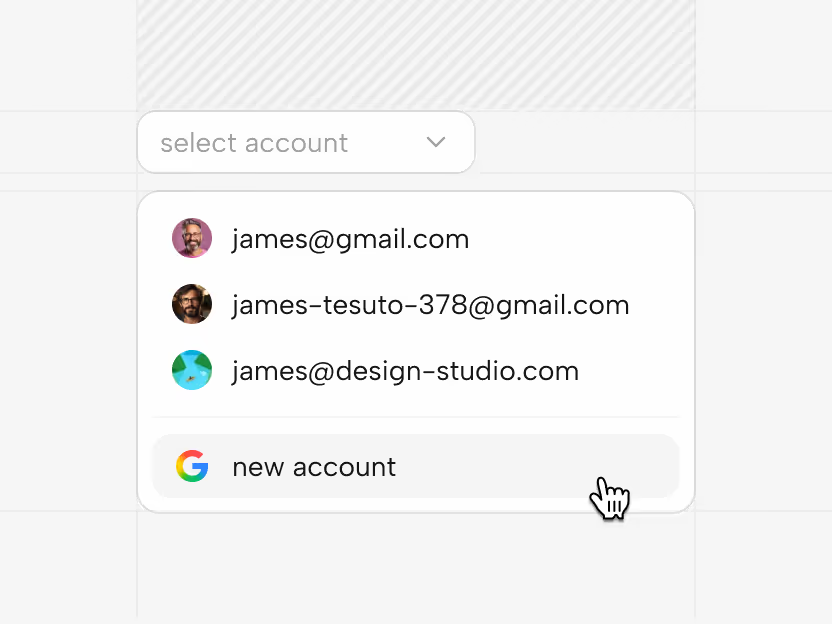
freelancing? no worries, exporthub lets you connect and use multiple google accounts at once
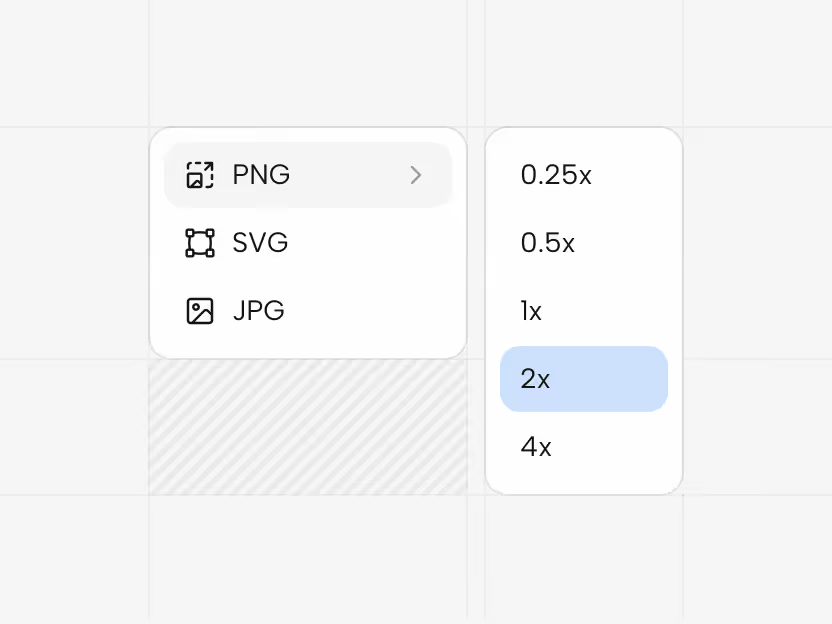
png, svg, jpg - all export options you need to optimize your assets and keep file size under control
it takes seconds, it save hours
with exporthub, a typical designer can save real hours every month in file management etc.
free, forever, for everyone
give it a try today - you can remove exporthub at any moment